Common Questions
What is the AI Color Palette Generator?
A free, intelligent tool that helps creatives generate beautiful, balanced color schemes using smart algorithms.
How do I use the AI Color Palette Generator?
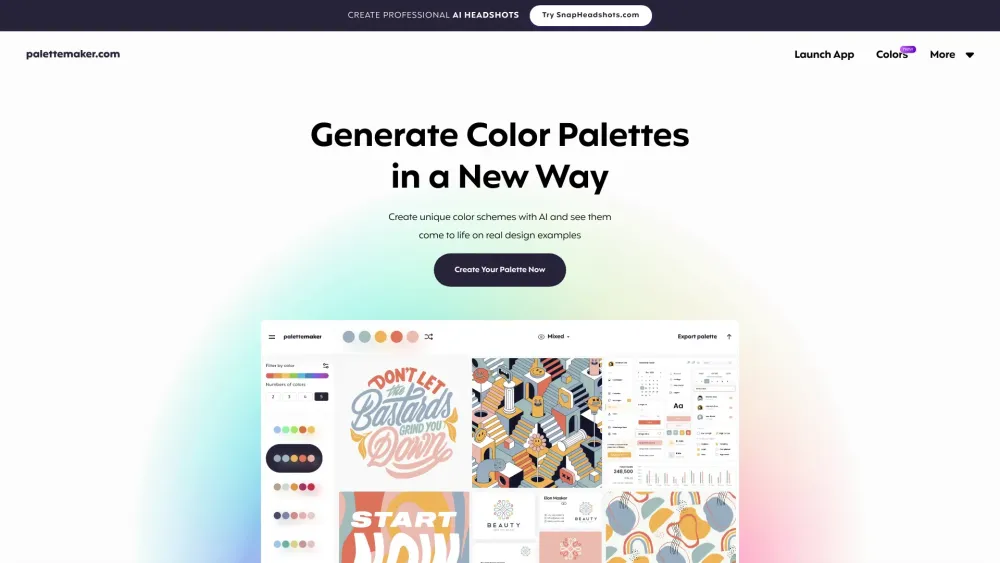
Simply browse curated palettes, apply them to live previews, and customize individual colors or shuffle new options with one click.
How do I get started with PaletteMaker?
The interface is intuitive: your selected palette appears at the top (or bottom on mobile). Use the left panel to explore schemes, adjust colors manually, randomize selections, or remove swatches. The tool automatically supports 2 to 5-color configurations.
Is this tool completely free?
Absolutely—PaletteMaker is 100% free to use, now and forever, with all current features accessible without sign-up or subscription.
Can non-designers use this tool effectively?
Definitely! It's built for everyone—from professional designers to hobbyists and beginners exploring color for the first time.
Why don’t the palettes include black and white?
In design practice, black and white are typically treated as neutrals used for backgrounds, typography, or borders rather than core brand or accent colors.
How can I create a custom color palette?
It’s simple and fast! Check out our quick-start guide titled 'How to Create a Color Palette' if you'd like step-by-step assistance.