Makeayo FAQ
What exactly is Makeayo?
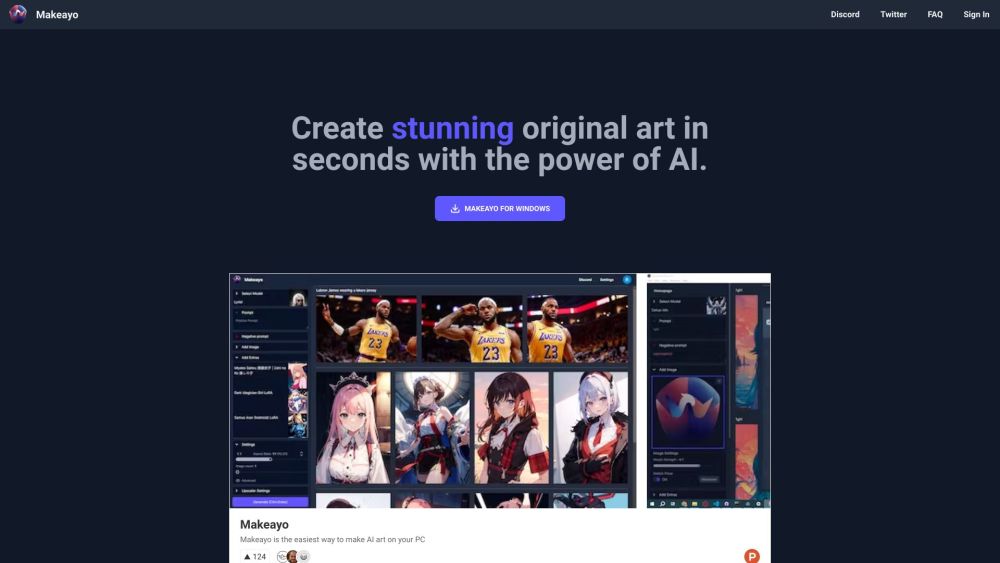
Makeayo is a fast, offline-first AI art generator for Windows—designed to be powerful yet approachable. It runs locally on your machine, giving you full control, privacy, and speed—without relying on cloud APIs or recurring fees.
How do I begin creating with Makeayo?
Install the app, launch it, and start with either text-to-image generation or image-to-image enhancement. Tweak sliders, apply ControlNets, upscale results, or swap styles—all in real time. No prior AI experience needed.
Which operating systems does Makeayo support?
Currently optimized for Windows 10 and Windows 11 (64-bit). Native macOS and Linux versions are actively in development and expected later this year.
Is Makeayo cloud-based or desktop software?
Makeayo is a true desktop application—it processes everything locally on your GPU. This ensures privacy, low latency, and reliability—even without internet. A companion cloud sync service is under development for cross-device project sharing.
What hardware do I need to run Makeayo smoothly?
A NVIDIA GPU with at least 4GB VRAM (e.g., GTX 1050 Ti or newer) is recommended. AMD and Intel Arc GPUs are supported via DirectML, with performance improving rapidly in upcoming updates.
Do you offer an affiliate or creator partnership program?
Yes—our official Makeayo Creator Program launches this quarter! Creators, educators, and streamers can earn rewards by sharing tutorials, building prompt libraries, or growing the community. Express interest now: [email protected]
How much does Makeayo cost?
Makeayo is completely free—no trials, no watermarks, no paywalls. All features, including HD upscaling and ControlNet models, are included at zero cost, now and always.
Still have questions?
We’d love to help! Drop us a line at [email protected]—we read every message.