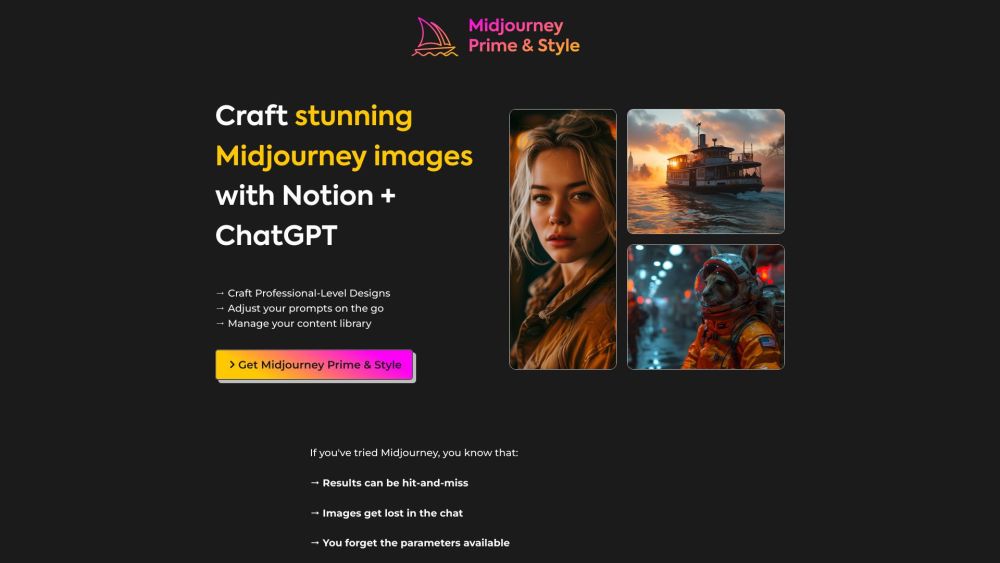
Key Features of Midjourney Prime & Style
AI-Driven Prompt Creation with ChatGPT
Leverage advanced language models to craft detailed, effective prompts tailored for Midjourney, boosting both quality and consistency.
Effortless Scene Diversification
Generate multiple unique variations of any scene with just a few clicks, enabling rapid exploration of visual ideas.
Version Tracking for Image Series
Keep track of every iteration and variation, making it easy to compare results and choose the best output.
Centralized Image Library in Notion
Store, categorize, and retrieve your creations efficiently using Notion’s flexible database structure.
Bulk Prompt Editing Tools
Save time by editing multiple prompts at once—perfect for refining large batches of images simultaneously.
Practical Applications of Midjourney Prime & Style
Produce Studio-Quality Visuals
Create polished, professional-grade artwork ideal for branding, marketing, or digital media projects.
Organize Your AI Art Collection
Maintain a clean, searchable archive of all generated images, eliminating clutter and lost assets.
Smart Tagging and Filtering System
Use custom tags and filters to sort images by theme, style, client, or project phase for faster retrieval.
Streamline Client-Focused Creative Workflows
Manage multiple client briefs with dedicated folders, version control, and collaborative access options.
-
Support & Contact Information
For assistance, refunds, or general inquiries, reach out to our support team at [email protected]. We’re here to help ensure your experience is smooth and productive.